

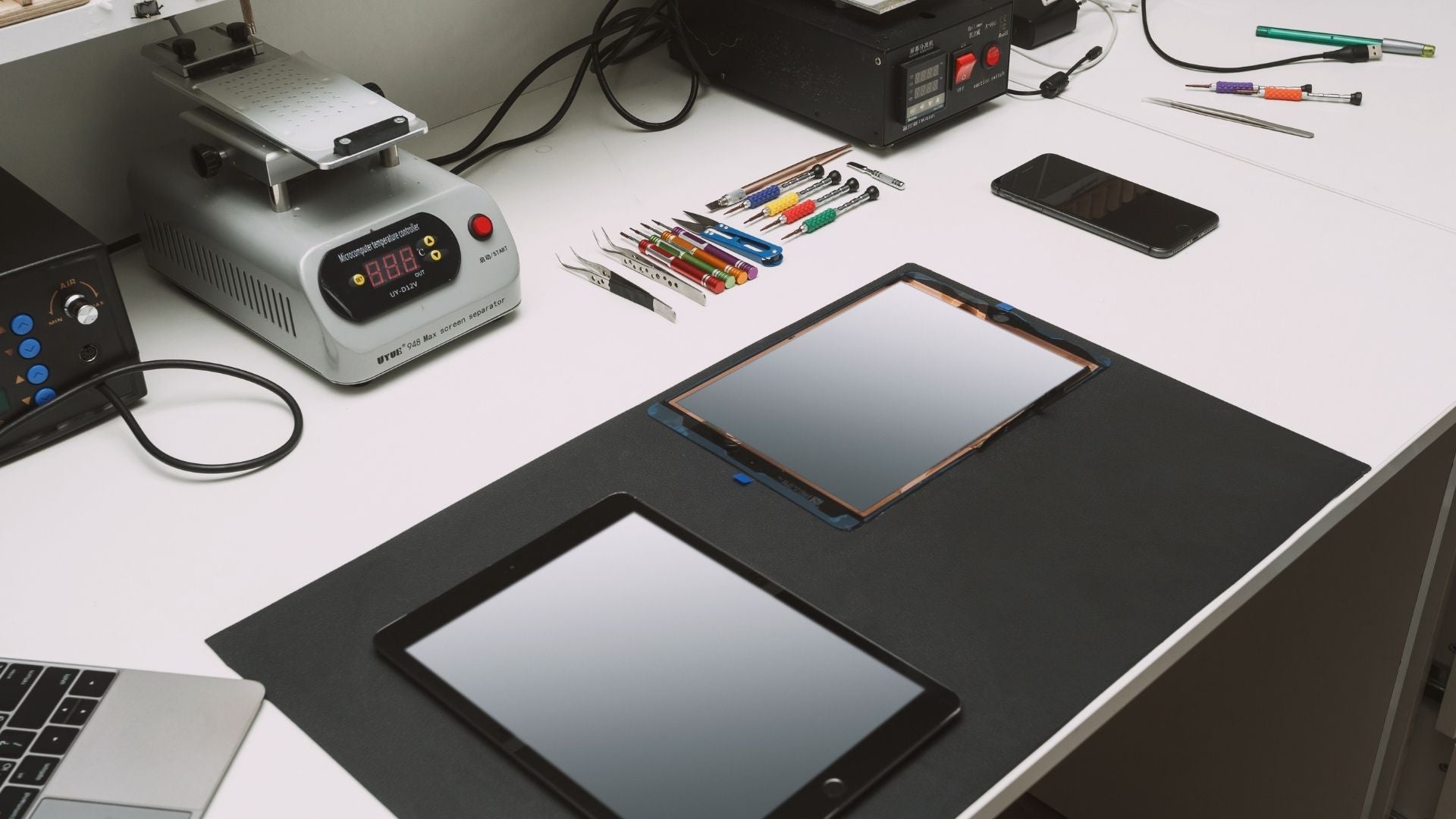


Tablets have become an essential part of everyday life, whether you're working remotely, studying, streaming your favourite programmes or keeping in touch with family and friends. Their portability and versatility make them a popular choice for both personal and professional use. However, like any electronic device, tablets are vulnerable to accidental damage, wear and tear, software issues and hardware faults.
If your tablet has stopped working properly, finding a reliable tablet repair service in Manchester can help you restore your device quickly and avoid the cost of replacing it altogether. From cracked screens and battery problems to charging issues and water damage, many faults can be repaired by experienced technicians using high-quality replacement parts.
This guide explores the most common tablet problems, the repair options available in Manchester, and what to consider when choosing a professional repair service.
Why Repair Your Tablet Instead of Replacing It?
When a tablet develops a fault, many people assume the only solution is to buy a new one. In reality, repairing your tablet is often a more cost-effective and environmentally friendly option.
Professional repairs can restore your device to full working order without the expense of purchasing a replacement. Whether it's a damaged screen or a faulty charging port, many common issues can be resolved quickly by experienced technicians.
Repairing your existing tablet also helps reduce electronic waste by extending the life of your device. With the right repair, many tablets can continue performing reliably for years.
Common Tablet Problems
Modern tablets are designed to be durable, but everyday use can eventually lead to faults. Some issues develop gradually over time, while others occur unexpectedly after accidental damage.

Cracked or Broken Screen
A cracked screen is one of the most common reasons people seek tablet repairs. Even a small crack can affect touchscreen responsiveness and, if left untreated, may spread further across the display.
Professional screen replacement restores both the appearance and functionality of your tablet, allowing you to use it safely again.
Battery Problems
If your tablet drains quickly, switches off unexpectedly or struggles to hold a charge, the battery may have reached the end of its lifespan.
Replacing a worn battery can significantly improve performance and reduce the need for constant charging.
Common battery symptoms include:
- Rapid battery drain
- Device overheating
- Unexpected shutdowns
- Slow charging
- Battery swelling (requires immediate attention)
Charging Port Issues
Dust, debris and everyday wear can damage a tablet's charging port over time.
Signs of a faulty charging port include:
- Tablet only charges at certain angles
- Loose charging cable
- Slow or intermittent charging
- Tablet not charging at all
A professional technician can inspect the charging port and repair or replace damaged components where necessary.
Water Damage
Although some tablets offer limited water resistance, most devices are still vulnerable to liquid damage.
If your tablet comes into contact with water:
- Turn it off immediately.
- Do not attempt to charge it.
- Disconnect any accessories.
- Dry the exterior with a soft cloth.
- Arrange a professional inspection as soon as possible.
Prompt action improves the chances of a successful repair, as corrosion can develop if moisture remains inside the device.
Software Problems
Not every tablet fault is caused by damaged hardware. Software issues can also affect performance and usability.
Common software problems include:
- Apps constantly crashing
- Slow performance
- Frozen screens
- Boot loops
- Wi-Fi or Bluetooth connectivity issues
- Failed software updates
Many software-related problems can be diagnosed and resolved without replacing any hardware components.
Speaker, Camera and Button Faults
Physical components can also fail through everyday use or accidental damage.
Common repairs include:
- Faulty speakers
- Microphone issues
- Camera replacement
- Power button repair
- Volume button repair
- Home button repair (where applicable)
These faults can usually be repaired without replacing the entire device.
Can a Tablet Be Repaired?
In many cases, yes.
Most tablet problems can be repaired by experienced technicians using specialist tools and quality replacement parts. Whether your device has suffered accidental damage or developed a fault over time, a professional diagnosis can determine the most appropriate solution.
Repairs are often available for:
- Cracked screens
- LCD and display faults
- Battery replacement
- Charging port repairs
- Water damage
- Software issues
- Camera replacement
- Speaker and microphone repairs
- Button repairs
- Connectivity issues
Choosing repair instead of replacement can save money while extending the lifespan of your tablet.
Tablet Brands That Can Be Repaired
Professional repair centres in Manchester commonly work with a wide range of tablet manufacturers, including:
- Apple iPad
- Samsung Galaxy Tab
- Lenovo tablets
- Microsoft Surface devices
- Huawei tablets
- Amazon Fire tablets
- Google Pixel Tablet
- Other Android tablets

Availability of replacement parts may vary depending on the make, model and age of the device, so it's always worth checking with your chosen repair provider.
Tablet Repair Services Available in Manchester
Manchester offers a variety of tablet repair options, allowing you to choose a service that best suits your needs, budget and the type of repair required.
Official Manufacturer Repair Centres
If your tablet is still covered by the manufacturer's warranty, an authorised repair centre may be the best option.
Official repair centres use genuine replacement parts and follow manufacturer-approved repair procedures. This helps maintain warranty coverage and ensures repairs meet the manufacturer's standards.
However, official repairs may involve longer waiting times and can sometimes be more expensive than independent repair services, particularly for devices that are no longer under warranty.
Independent Tablet Repair Shops
Independent repair specialists are a popular choice for many customers in Manchester.
Many experienced repair shops offer:
- Competitive pricing
- Fast turnaround times
- High-quality replacement parts
- Repairs for older tablet models
- Free or low-cost diagnostics
- Warranty on repairs
When choosing an independent repair service, look for experienced technicians, positive customer reviews and clear information about warranties and replacement parts.
Mail-In Tablet Repair Services
If you cannot visit a repair shop in person, many businesses also provide secure mail-in repair services.
Typically, the process involves:
- Booking your repair online.
- Sending your tablet securely.
- Receiving a diagnosis and quotation.
- Approving the repair.
- Having your repaired tablet returned safely.
Mail-in repairs can be particularly useful if you live outside Manchester or own a specialist tablet model.
Should You Attempt DIY Tablet Repairs?
While there are many online repair guides available, repairing a tablet yourself carries significant risks.
Modern tablets contain delicate components that require specialist tools and technical expertise. Attempting a repair without the correct knowledge may cause further damage and increase the overall repair cost.
Simple software troubleshooting may be suitable for some users, but hardware repairs such as screen replacements, battery replacements and charging port repairs are generally best left to qualified technicians.
Why Choose Professional Tablet Repair?
When your tablet develops a fault, choosing a professional repair service offers far more than simply fixing the immediate problem. Experienced technicians have the knowledge, tools and replacement parts needed to carry out repairs safely and efficiently, helping you avoid further damage and unnecessary costs.
Whether you're dealing with a cracked screen, charging issues or software faults, a reputable repair specialist can accurately diagnose the problem and recommend the most suitable solution.
Experienced Technicians
Modern tablets are becoming increasingly complex, with slimmer designs and tightly integrated components. Professional technicians understand how different tablet models are built and can repair them using the correct tools and procedures.
Their experience also allows them to identify underlying issues that may not be immediately visible, helping to prevent repeat faults.
High-Quality Replacement Parts
The quality of replacement parts can make a significant difference to your tablet's long-term performance.
Reputable repair centres typically use genuine or premium-quality compatible parts designed to meet high standards of reliability and durability. Choosing quality components helps ensure your tablet performs as expected after the repair.
Faster Turnaround Times
Many independent repair shops in Manchester understand that customers rely on their tablets every day for work, education and entertainment.
Depending on the type of repair and the availability of parts, many common repairs can be completed much more quickly than sending your device to a manufacturer.
Warranty on Repairs
A trustworthy repair provider should stand behind the quality of their work by offering a warranty on repairs and replacement parts.
This provides added peace of mind, knowing that if a related issue occurs within the warranty period, it can be addressed without additional repair costs.
Protecting Your Data
Your tablet may contain valuable documents, photos, videos and personal information.
Professional technicians understand the importance of protecting customer data throughout the repair process. While some repairs require the device to be reset, many hardware repairs can be completed without affecting your files.
It's still recommended to back up your tablet before any repair whenever possible.
How to Choose the Right Tablet Repair Shop in Manchester
Not all repair providers offer the same level of service. Taking a little time to research your options can help you choose a repair shop that delivers reliable workmanship and good value.
Read Customer Reviews
Customer reviews provide useful insight into the quality of service, repair standards and overall customer experience.
Look for repair businesses with consistently positive feedback, particularly regarding communication, repair quality and aftercare.
Ask About Experience
Experience matters, especially when repairing newer tablet models.
A repair shop that regularly works with a wide range of devices is more likely to diagnose problems accurately and complete repairs efficiently.
Check the Warranty
Before authorising a repair, ask whether the repair includes a warranty.
A clear warranty demonstrates confidence in the quality of the repair and offers reassurance if any issues arise afterwards.
Understand the Pricing
Choose a repair provider that offers transparent pricing with no hidden charges.
Many reputable repair shops provide an initial diagnosis before confirming the final repair cost, allowing you to decide whether to proceed.
Availability of Parts
Some older or less common tablet models may require specialist replacement parts.
A repair centre should be able to advise whether parts are readily available and provide an estimated repair timeframe.
Is It Worth Repairing a Tablet?
In many cases, repairing a tablet is considerably more affordable than replacing it.
A repair may be the best option if:
- The device still performs well apart from the fault.
- The repair cost is significantly lower than buying a new tablet.
- The tablet contains important data or applications.
- The model continues to receive software updates.
- The damage is limited to one or two components.
However, if a tablet has suffered extensive internal damage or is very old, replacing it may sometimes represent better long-term value.
A professional diagnosis can help you make an informed decision.


How to Keep Your Tablet in Good Condition
Although accidents can't always be avoided, regular care can help reduce the risk of damage and extend the lifespan of your tablet.
Use a Protective Case
A well-designed protective case helps absorb impacts from accidental drops and protects the edges and back of the device from everyday wear.
Apply a Screen Protector
A tempered glass or high-quality screen protector can reduce the risk of scratches and minimise damage from minor impacts.
While it won't prevent every cracked screen, it provides an extra layer of protection.
Keep Software Up to Date
Installing the latest operating system and security updates helps improve performance, fix known issues and protect your tablet against security vulnerabilities.
Avoid Overcharging
Modern tablets are designed to manage charging efficiently, but using high-quality chargers and avoiding excessive heat can help maximise long-term battery health.
Keep Charging Ports Clean
Dust and pocket debris can gradually build up inside charging ports, leading to poor charging performance.
If your tablet isn't charging correctly, avoid inserting sharp objects into the port. Instead, have it professionally cleaned if necessary.
Protect Your Tablet from Liquids
Water and other liquids remain one of the leading causes of tablet damage.
Keep drinks away from your workspace, avoid using your tablet in heavy rain where possible, and never charge a device that has been exposed to liquid until it has been inspected.
When Should You Seek Professional Repair?
Ignoring a small fault can sometimes lead to a much larger and more expensive repair later.
It's advisable to arrange a professional inspection if you notice:
- A cracked or lifting screen
- Poor battery performance
- The tablet failing to charge
- Random restarts or freezing
- Water exposure
- Distorted display or flickering screen
- Unresponsive buttons
- Speaker or microphone faults
Addressing problems early often prevents further damage and can reduce repair costs.
Why Local Tablet Repair Services Matter
Choosing a local repair specialist in Manchester offers several practical advantages.
Local businesses often provide faster turnaround times, more personalised customer service and the opportunity to discuss your repair directly with an experienced technician.
You'll also have the convenience of dropping off and collecting your device without the delays associated with sending it away.
For many customers, having access to a trusted local repair service offers reassurance that help is available should any future issues arise.
Back Up Your Tablet Before Repair
Before handing your tablet over for repair, it's always a good idea to create a backup of your important data. While many hardware repairs can be completed without affecting your files, backing up your device provides extra peace of mind should a software reset become necessary.
Depending on your device, you can back up your tablet using cloud storage or a computer.
For Apple iPads
You can back up your iPad using iCloud or by connecting it to a Mac or Windows PC through Finder or iTunes (where supported). Regular backups ensure your photos, contacts, apps and documents can be restored if required.
For Android Tablets
Most Android tablets allow you to back up your data using your Google account. Photos, contacts, app data and settings can often be synchronised automatically when backup is enabled.
Other Important Steps Before a Repair
Before visiting a repair centre, consider the following:
- Remove any SIM card or memory card if your tablet uses one.
- Disable activation locks or device security if requested by the repair provider.
- Note down any passwords you may need after the repair.
- If possible, bring your charger if you're experiencing charging issues.
- Explain the fault in as much detail as possible to help the technician diagnose the problem more quickly.
Frequently Asked Questions
How much does tablet repair cost in Manchester?
The cost of a tablet repair depends on the make, model and the type of fault. A screen replacement will typically cost more than a software repair, while battery replacements and charging port repairs vary depending on the availability of parts. A reputable repair shop should provide a quotation before any work begins.
How long does a tablet repair take?
Repair times depend on the complexity of the issue and whether replacement parts are in stock. Some common repairs can be completed on the same day, while more complex repairs may take longer. Your repair provider should be able to give you an estimated turnaround time after inspecting the device.
Is it worth repairing an old tablet?
In many cases, yes. If the tablet still meets your needs and the repair cost is significantly lower than purchasing a new device, repairing it can be a cost-effective option. However, if the device is very old, no longer receives software updates or has multiple hardware faults, replacing it may be the better long-term choice.
Can a cracked tablet screen be repaired?
Yes. A cracked screen is one of the most common tablet repairs. Depending on the extent of the damage, the repair may involve replacing the outer glass, the display assembly or both.
Can water-damaged tablets be repaired?
Water damage can often be repaired if the device is inspected quickly. The sooner a professional technician assesses the tablet, the better the chance of preventing corrosion and saving important components. If your tablet has been exposed to liquid, switch it off immediately and avoid charging it until it has been checked.
Will my data be lost during a repair?
Most hardware repairs do not affect the data stored on your tablet. However, there are situations where software restoration or more extensive repairs may require the device to be reset. Backing up your tablet before any repair is always recommended.
Do repair shops use genuine replacement parts?
This varies between repair providers. Some use genuine manufacturer parts where available, while others use high-quality compatible components. If this is important to you, ask your chosen repair shop what type of parts they use before authorising the repair.
Do you repair all tablet brands?
Most professional repair centres work on a wide range of tablet brands, including Apple, Samsung, Lenovo, Huawei, Microsoft Surface, Amazon Fire and many Android tablets. Availability of parts may depend on the specific model.
Conclusion
A faulty tablet doesn't always mean it's time to buy a replacement. Many common issues including cracked screens, battery problems, charging faults, software issues and water damage can be repaired by experienced technicians, helping you extend the life of your device while saving money.
Whether you own an iPad, Samsung Galaxy Tab, Lenovo tablet or another model, choosing a trusted tablet repair service in Manchester ensures your device is assessed professionally and repaired using quality parts and proven repair techniques.
Before selecting a repair provider, take the time to compare experience, customer reviews, warranties and repair turnaround times. A reputable repair specialist will be transparent about the repair process, explain your options clearly and help you decide whether repairing or replacing your tablet is the most practical solution.
With the right care, regular maintenance and prompt attention to any faults, your tablet can continue to provide reliable performance for years to come.
Share:
Get Phone Unlocking Service to Enjoy Unlimited Network Access
Best Ways to Repair My Tablet in Bury